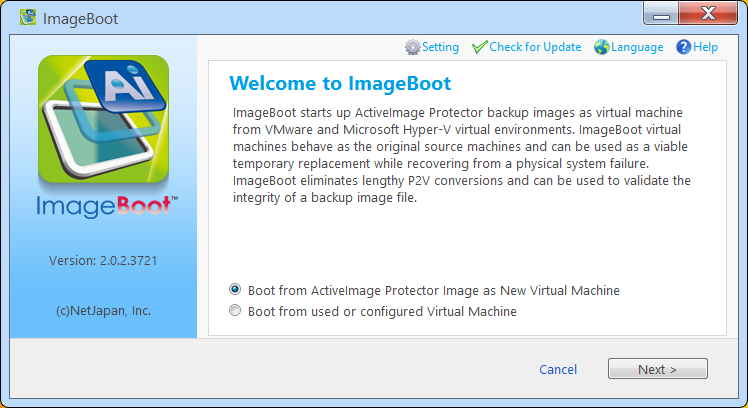
Select a specific image file to create and boot a new virtual machine.
1. Select [Boot from ActiveImage Protector images as New Virtual Machine] and click [Next].
2. Click [Browse], then image file can be selected by using Explorer.
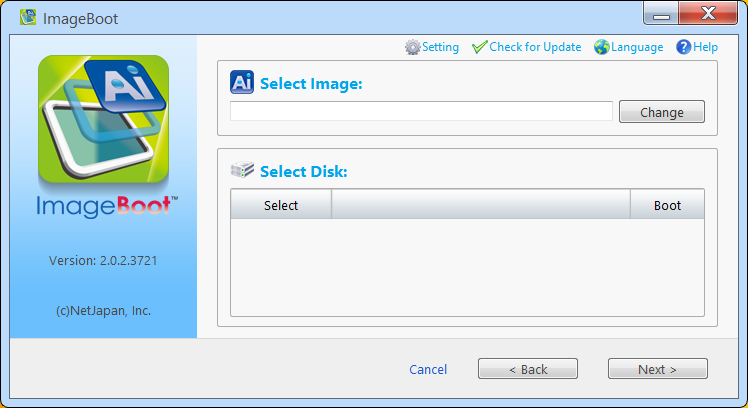
Selected image file's disk map is shown on [Select Disk].
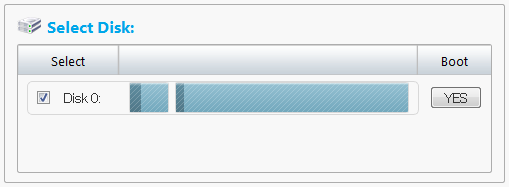
Check the box for the disk to select and click [Next].
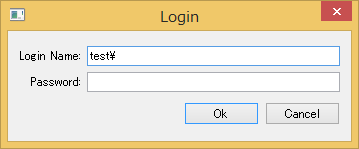
If you select an image file in network shared folder [Login] dialog is displayed. Please make sure you enter the correct credential information.
3. Select the hypervisor and configure the settings for the virtual machine.
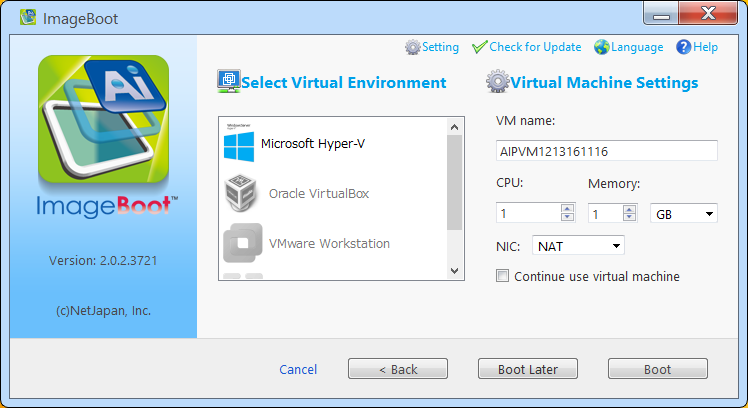
Please select the hypervisor for the target virtual environment.
Please enter the parameters of virtual machine.
· VM Name
· CPU
· Memory
· NIC (Network Adapter)
o If you selected hypervisor other than Hyper-V, you can select [NAT], [Bridge] or [None].
o If Hyper-V
is selected, clicking [Add] does
not specify virtual switch automatically.
Please specify suitable virtual switch after VM creation.
· Continue to run this VM
o To contiue using this VM, please enable [Continue use virtual machine] option. VM created with this option disabled willl be automatically deleted when shut down.
Click [Boot] to immediately boot up the VM. VM booted on hypervisor willl be automatically deleted when shut down.
Click [Boot Later] to add this VM to the VM list and boot up this VM according to the timing you specify. For more detailed operating procedures how to boot the VM, please refer here.
Regardless whether [Continue use virtual machine] option is enabled or disabeld, when the VM is booted and shut down, the changes made after the VM is booted to the current moment will be saved in a differential file (*.AIX) as follows:
Ex: <Installation Folder ->\VMAIXFile\<booted image file name >_x00001.aix
This operation is enabled by moving or copying the most current image file to the specified destination storage for the image file.
You may change the default location to save the differential files (*.AIX) in [Settings].
· The image file including a hard disk configured
for the host system that has disk signature collision with another disk
in the file is invalid to use for creating VM.
A disk included in the image file used to create VM that is already booted
may well have signature collision with other disks in the file.
· When booting VM from incremental image file (*.aii), the sequential image file set (from base to the first booted incremental) is necessary to use the differential image file including the changes.
· When booting VM from differential image file (*.AIX), the changes made after booting up are saved (overwritten) to the image file in the storage.
· With [Continue use virtual machine] option disabled and [Boot Later] option enabled, the booted virtual machine will be deleted from the VM list.
· Even though you changed the default location to save the differential files in [Settings] in [Select Virtual Environment] / [Virtual Machine Settings] page, the differential image file created when a virtual machine was booted from the currently selected image should be saved in the default location instead of the changed location.