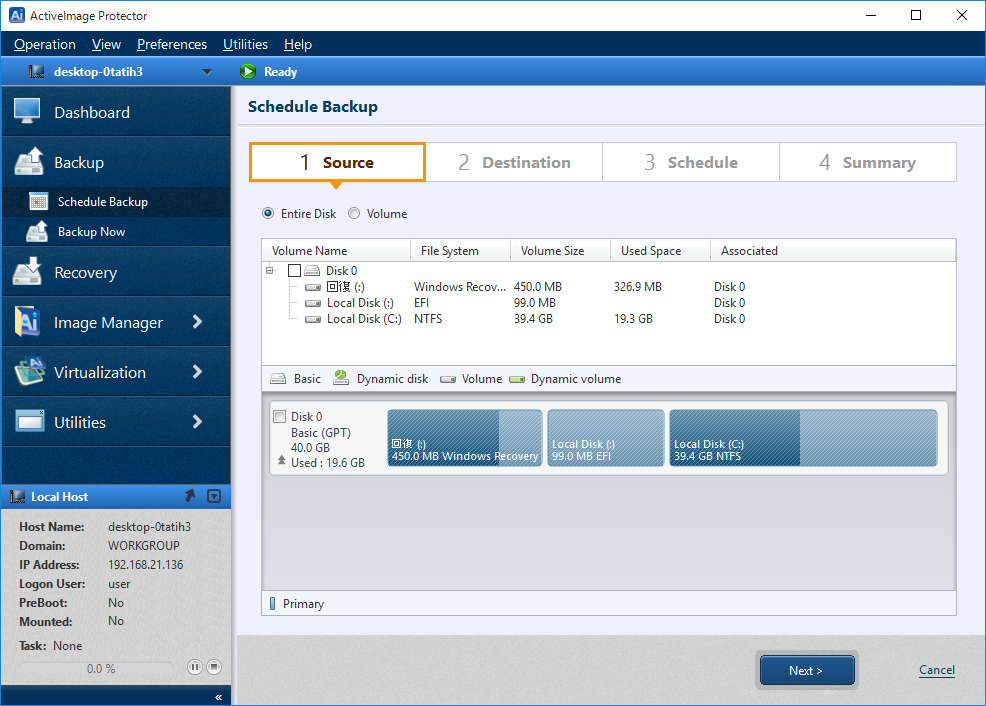
Begin by selecting the [Source] disk or volume for backup.
Check the appropriate radio button to select the backup source.
Entire Disk: Select if backing up the entire physical disk (to include all volumes).
Volume: Select by checking the box for any specific volume(s) targeted for backup.
* ActiveImage Protector supports only one CSVFS volume to be selected per a backup task.
Click [Next].