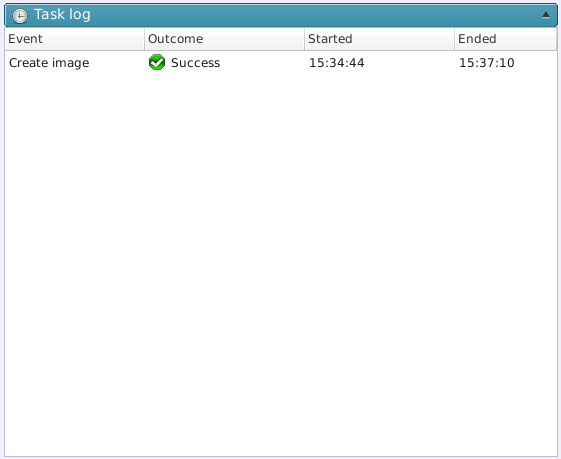
Log entries for executed tasks are displayed in a list.
*In the event that creation of an incremental backup image file has failed, and a full (baseline) backup image file is created, [Failed] is indicated.
Click on any task to monitor detailed information of execution results (backup size, process time, Task ID, backup result) and additional information such as executed profile.

Click on [Task Summary] or double-click on a log entry to display the summary of a task.
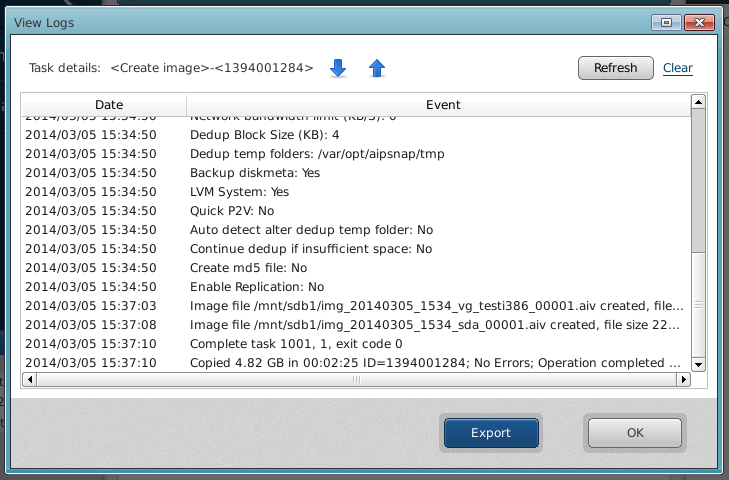
In the event that a task terminated with an error, select [Save Log]. This saves a detailed log to a specified location so that the log information can be reviewed.
Detailed log is saved in the following location:
/opt/NetJapan/logs/<Task ID>.log
Click on any log entry to display the following menu in Operation pane and all log entries can be purged.