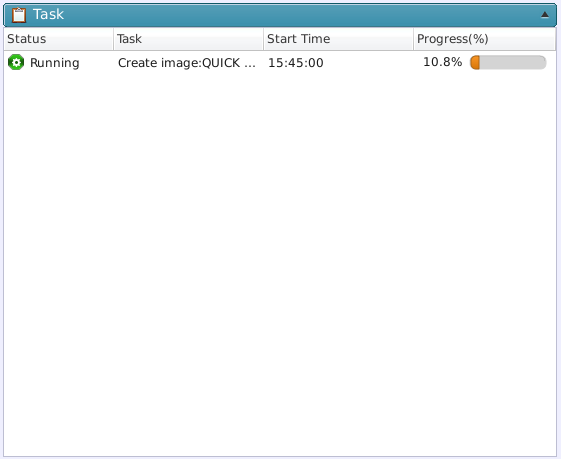
Currently running tasks and tasks waiting in a queue are listed.
*In the event that creation of an incremental image file failed, but a full (baseline) backup file was successfully created, [Done] is indicated.
Click on a running task to monitor a more detailed status of the task process.
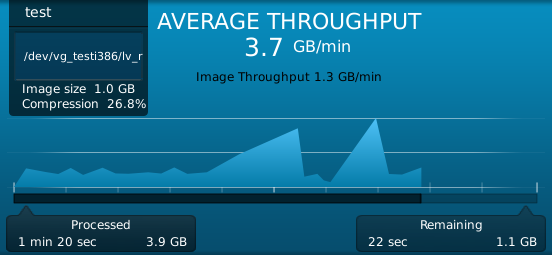
Click on a running task and the detailed information of the task in progress is provided as follows:
|
Item |
Details |
|
Task Name (Schedule Name)
|
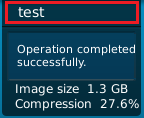
The Name of the currently running task. |
|
Status
|
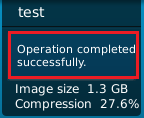
The status of a task. |
|
Image
|
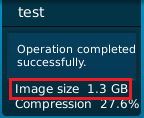
The current image file size. |
|
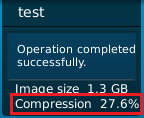
Compression Rate
|
The proportional size of backed up data to the created image file size. |
|
Throughput (read)
|
Data volume copy engine reads per minute. A graphical view is provided based on the statistics. |
|
Throughput (write)
|
Data volume copy engine writes per minute. |
|
Process time/Processed data volume
|
Time elapsed from the start of the process and the processed data volume. |
|
Remaining time/Remaining data volume (estimated)
|
Estimated remaining time and data volume. |
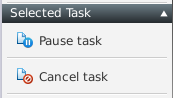
Click on a running task to display the [Operation] menu as follows. You can also abort or cancel a selected task.