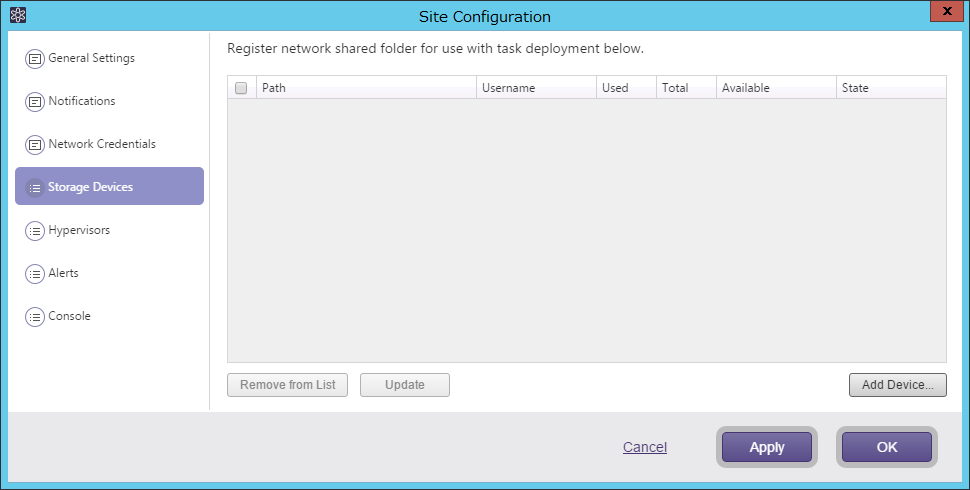
Register the network shared folders to save the backup templates.
Click [Add Device] to add a specific shared folder.
Click [Update] to provide updated status information.
If ActiveImage Protector backup tasks are created on the managed agents, the shared folders specified as the destination for the tasks are automatically registered.
Check the unnecessary devices and click [Remove from list] to remove them.